Medicine QR code scanner: how to scan the DRAP code on any pack
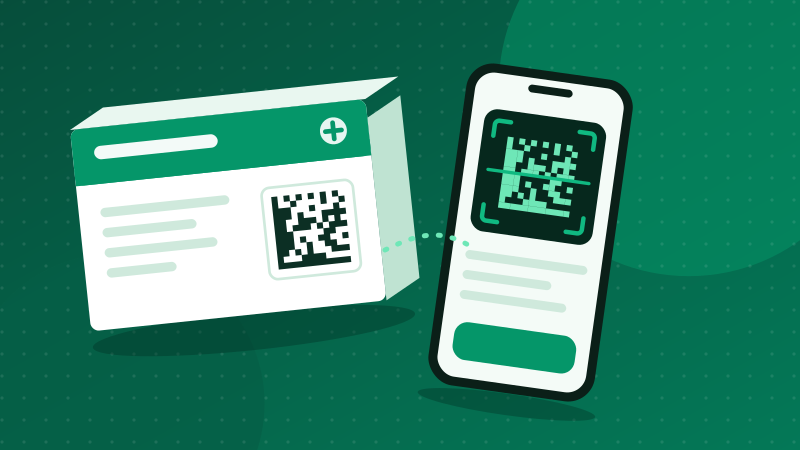
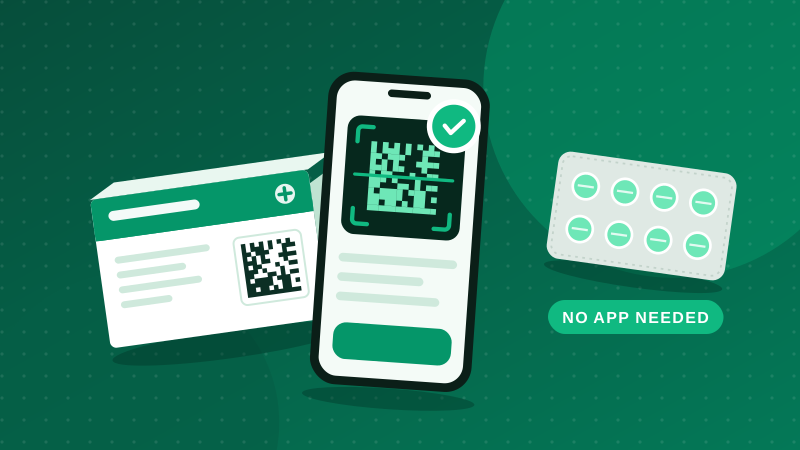
To scan a medicine code online, open the scanner on our home page, tap Start camera and hold the small square code on the box inside the frame. It reads the code on your phone and checks it against DRAP's track and trace system in one step.
Which code to scan
A medicine box can carry two codes, and only one of them verifies anything.
| Square code (DataMatrix / QR) | Striped barcode | |
|---|---|---|
| Looks like | Small square of dots, about 1 to 2 cm | Vertical black lines with numbers below |
| Contains | Product, batch, expiry and a unique serial | Product number only |
| Same on every box? | No, every pack is different | Yes |
| Can verify a pack? | Yes | No |
Getting a fast, clean scan
- Distance: 10 to 15 cm. Too close and the camera cannot focus; too far and the dots blur together.
- Light: bright and even. Daylight near a window is ideal.
- Glare: tilt the box slightly so the shiny coating does not reflect straight into the lens.
- Flat surface: a crushed or curved box corner distorts the code; flatten it gently.
- Old phones: if the live camera struggles, take a photo and use Photo instead. Still images are often easier to read.
What is inside the code
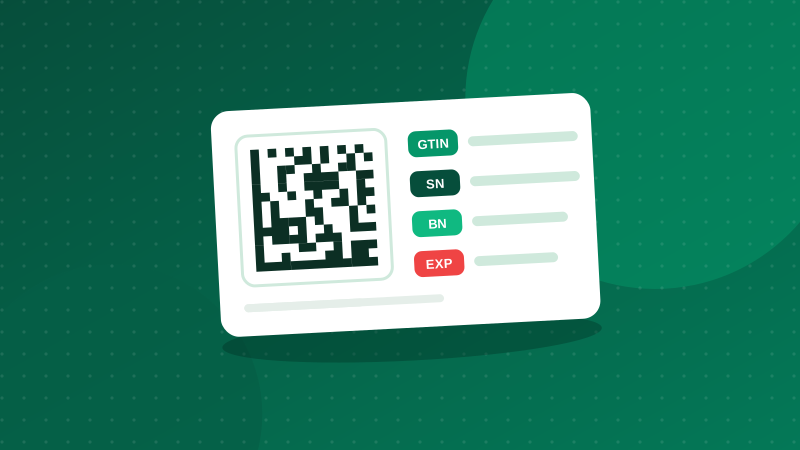
The code stores four GS1 fields, each starting with a short number called an application identifier: (01) the 14-digit GTIN, (21) the serial number, (10) the batch, and (17) the expiry date as YYMMDD. Our guide on GTIN, serial and batch numbers explains each in detail.
- GTIN (01)
- Serial (21) Unique to one box
- Batch (10) Shared by the production run
- Expiry (17)
Why your camera app alone is not enough
Google Lens or the iPhone camera can decode the square, but they only show you a string of digits. The check that matters, whether this serial belongs to a real pack from that manufacturer, happens in DRAP's system. A medicine scanner does both: it decodes the string, separates the four fields, and sends them for checking.
Questions people ask
Can I use Google Lens or my camera app to scan the medicine code?
Your camera app can read the code and show its contents as text, but it will not check that text against DRAP's system. You would still need to enter the details on a verification site. A dedicated scanner reads and checks in one step.
Is the code on medicine a QR code or a barcode?
Most Pakistani medicine packs use a GS1 DataMatrix, a square pattern of dots with a solid L-shaped border on two sides. It looks like a QR code but is a different format. Some packs print a QR code instead, often containing a web link with the same information.
Why does the scanner not read my code?
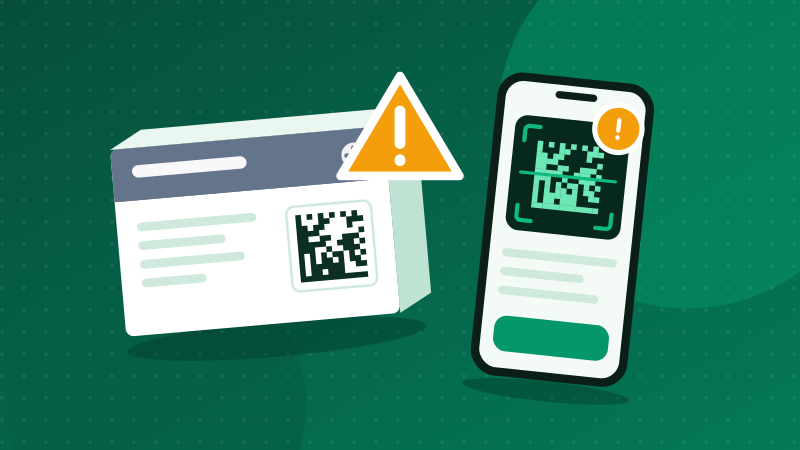
Usually because of glare, blur or distance. Hold the phone about 10 to 15 cm away, avoid reflections from the shiny coating, and let the camera focus. If it still fails, take a sharp photo and upload it, or type the details.
Can I scan a medicine code online from a photo?
Yes. Use the Photo option on our scanner. The photo is read on your phone and is not uploaded; only the decoded numbers are sent for the check.